Save time and money in agent sessions
Local code-intelligence stack for agents. Index all your repositories, let your AI coding agents use it via CLI & skills, sit back and get better results.
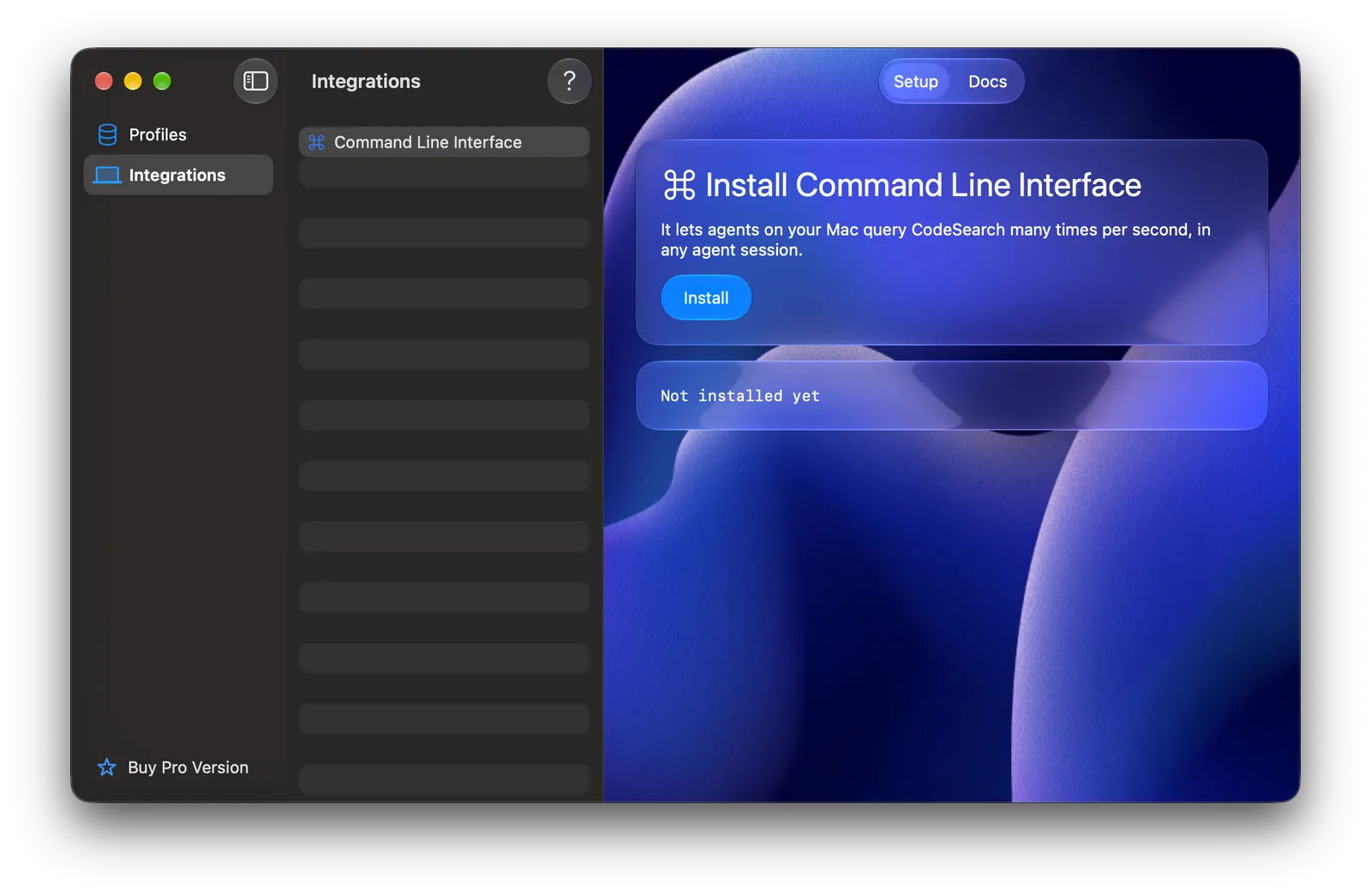

Coding agents spend time and money naively reading your code. CodeSearch speeds them up with an incremental code index - which never leaves your Mac. Agents need 33% less time per code question.
Download for Mac
Local code-intelligence stack for agents. Index all your repositories, let your AI coding agents use it via CLI & skills, sit back and get better results.

Easy to set up, intuitive to use
Watch how it works

Are you working 10+ repos and need to search across all of them? With CodeSearch, your agents use single index for accelerated discovery, work and testing - never leaving your Mac.
26%

Cheaper agent runs
2 min
Index build time
33%
Less time per code question
90%
Agent satisfaction score
Code is chunked on syntactic boundaries (modules, classes, functions) so that agents get useful metadata sooner.
Incremental indexing & optimized BM25 and pattern search engine.
Annotates your code with metadata helping agents to navigate it quicker.

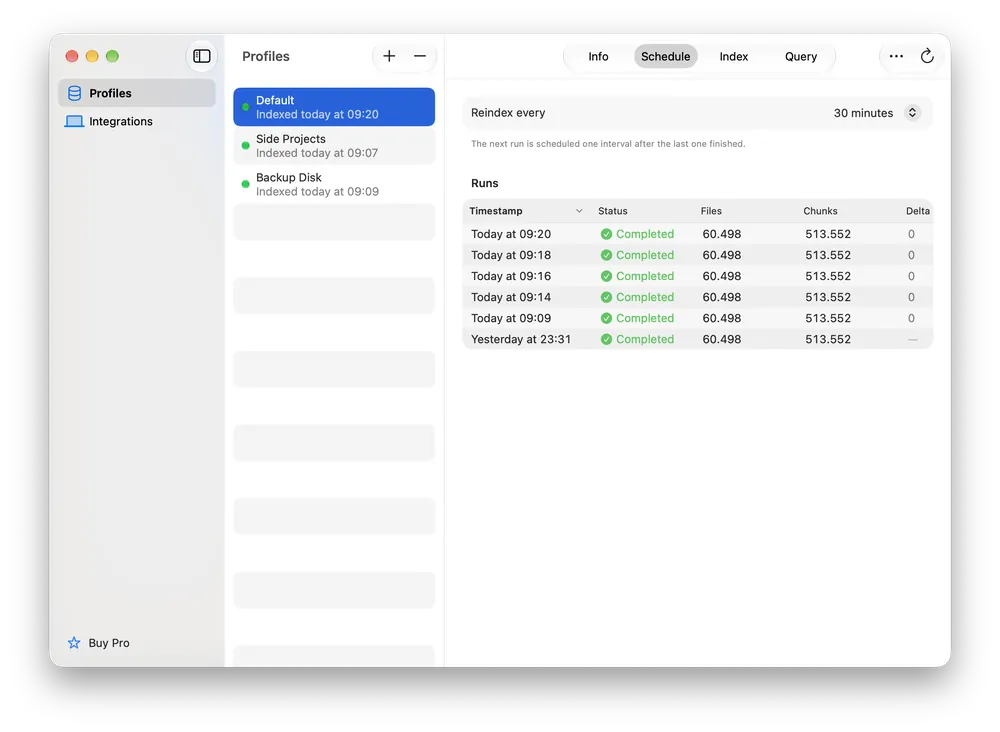
Working with 100+ repos locally? We got your back.
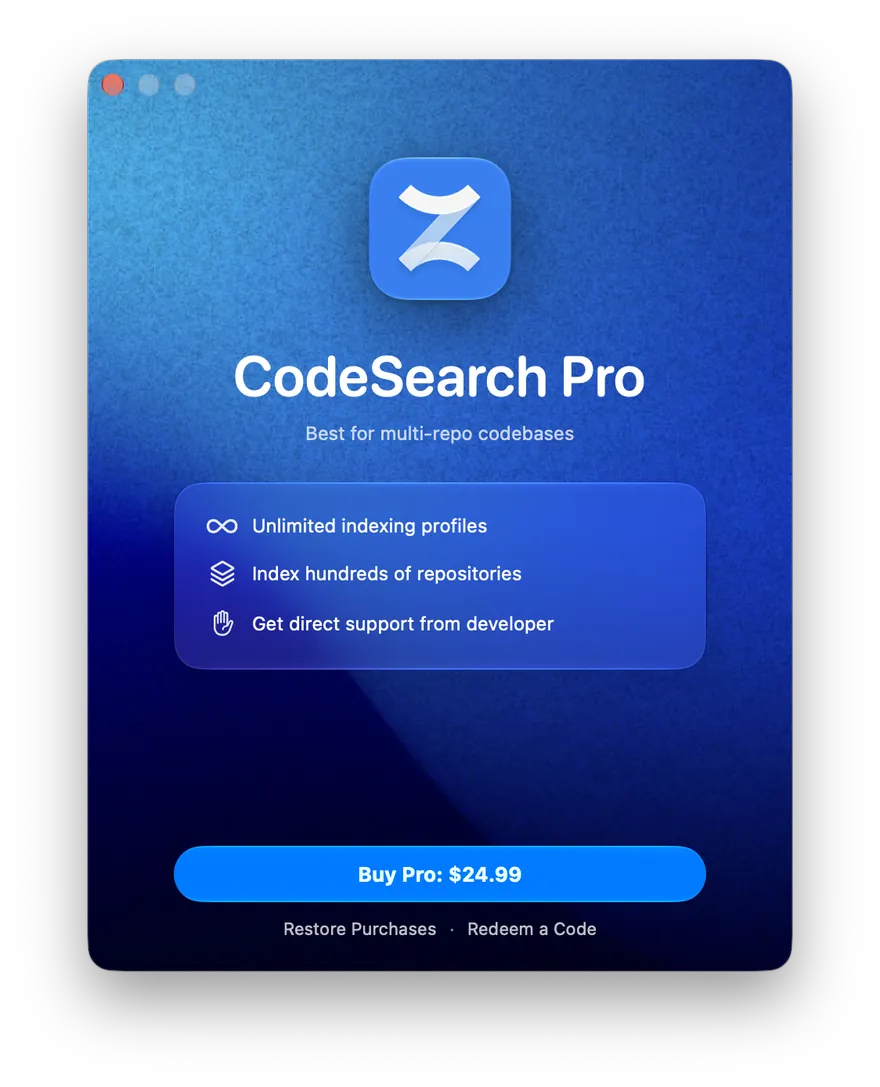
Pro version handles large monorepos and hundreds of repos with ease.
We've benchmarked CodeSearch on 350 git repositories: Go, Elixir, TypeScript, Swift, Ruby, Scala, in total 133 GB on disk. Measured on an Apple M1 Pro with 32 GB of RAM against ripgrep 15.2.0 with a warm file cache, both searching across all repos. Every figure is a median of repeated runs.
| Query | ripgrep | CodeSearch | Faster by |
|---|---|---|---|
Exact pattern
context.WithTimeout(
|
13.4 s | 48 ms | ~280× |
Ranked keywords
retry backoff grpc
|
16.1 s unranked | 21 ms ranked, best match first | ~770× |
Very common word
retry
|
13.7 s | 18 ms | ~750× |
ripgrep at its default settings, run from the folder itself; the
exact-pattern row passes -F because the literal
contains an unbalanced bracket and is not a valid regex.
CodeSearch figures are queries against its prebuilt index, timed
through the codesearch command with the app
running. Building that index takes about 30–45 seconds and runs
in the background. The middle row is deliberately not like for
like: ripgrep returns 10,462 matching files in no particular
order, while CodeSearch returns the ten best matches first.
Inside a single repository both tools answer in milliseconds —
the gap is what happens when you search everything at once.

We offer one-time purchase for advanced, multi-repo indexing.
Download for Mac
Pointing an agent at a big repo used to mean watching it read half the tree to find one function. Now it asks the index first and opens two or three files. Sessions are shorter, they cost less, and the answers are better because the context is the right context. And none of it leaves my Mac.
Marcin Praski
Software Engineer | Cast AI

CodeSearch keeps an index of your repositories and exposes it to agents through its CLI and installable integrations. Instead of opening file after file to work out where something lives, the agent asks the index and gets back the handful of declarations that matter — so it spends its context on the code you care about rather than on finding it.
No. The index lives on your disk, the queries run against it locally, and there is no account to create. Nothing is uploaded, which also means there is nothing to review before you can point it at a private repository.
grep matches lines, and it rescans the tree every time you ask. CodeSearch indexes ahead of time and returns whole declarations — a function, a type, a method — because files are split on real syntax boundaries rather than every N lines. An agent gets something it can read instead of a fragment ending mid-expression.
Twenty kinds of file. Full syntax trees, via tree-sitter, for Swift, Go, Python, Ruby, JavaScript, TypeScript and TSX, Java, Rust, C, C++, C#, PHP, Scala, Elixir, SQL, Dockerfile and Markdown. CSS and Jupyter notebooks are split by their own structure instead, so they are indexed and searchable without a grammar of their own.
Reindexing runs on a schedule you set, per profile, in the background and off the main thread. Work that fell overdue while the app was closed catches up the next time you open it, so the index does not quietly drift out of date.
It's free. You get one indexing profile, up to 10 repositories and up to 10,000 files — whichever ceiling you reach first. For more, a one-time purchase of $19.99 removes all three limits, and you'll get all future updates.